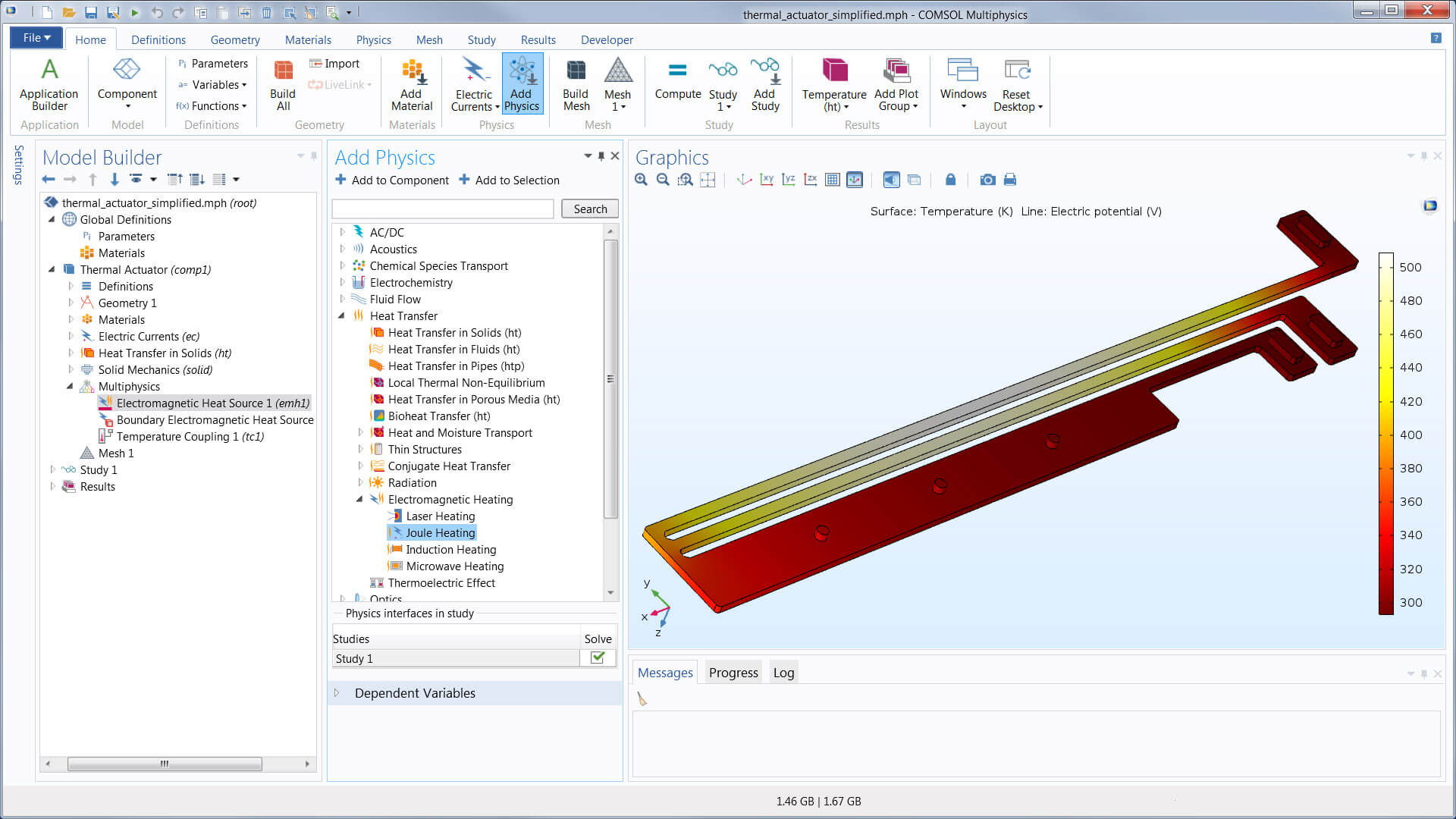
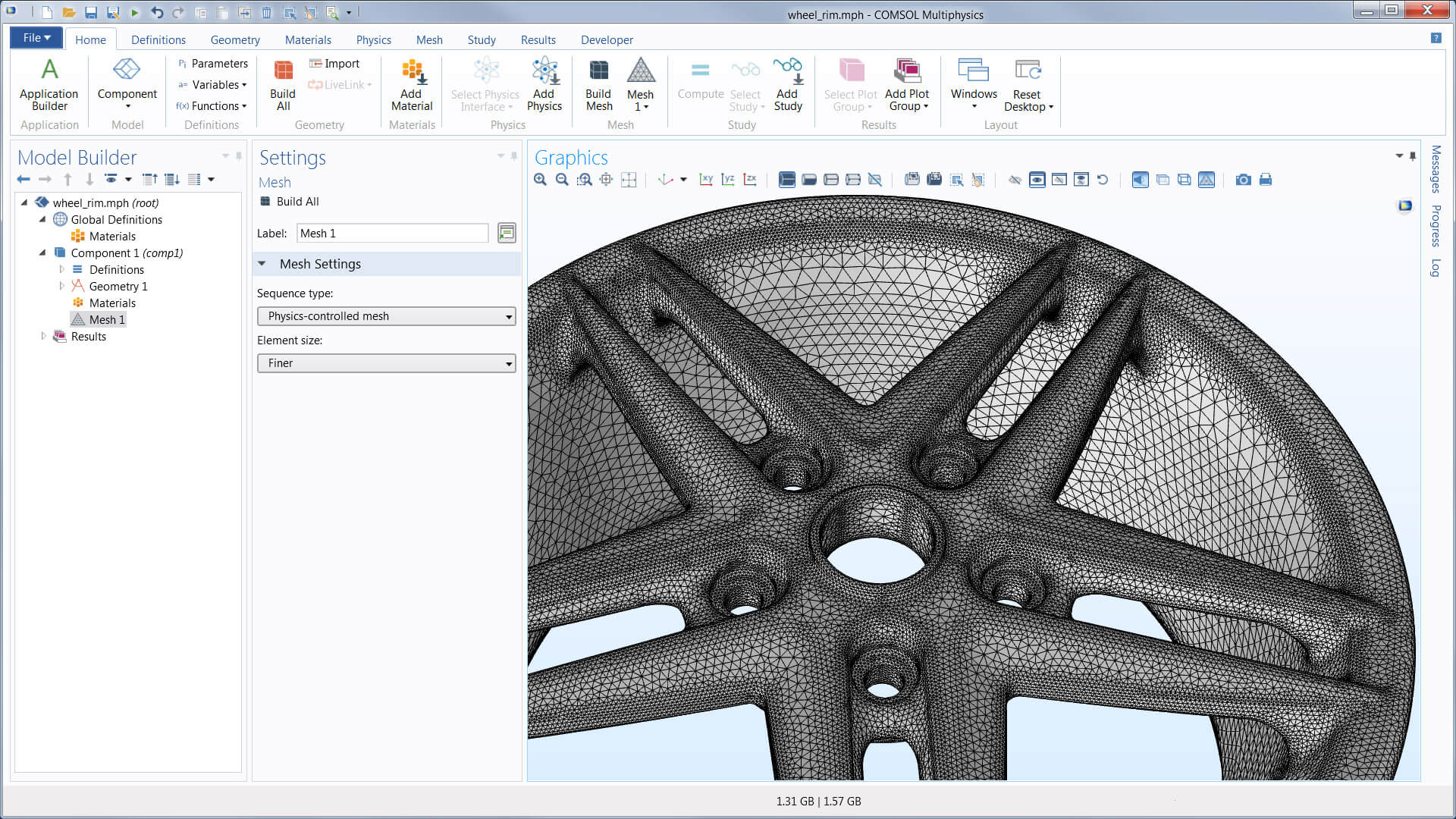
The COMSOL Multiphysics® software features the Model Builder, which helps you go from geometry to simulation results in an easy-to-follow workflow. Regardless of engineering application or physics phenomena, the user interface always looks the same and the Model Builder is there to guide you.
Explore the features and functionality of the Model Builder in more detail by expanding the sections below.
1 Requires the Design Module
2 The corresponding 3D operations require the Design Module
Physics interfaces
Materials
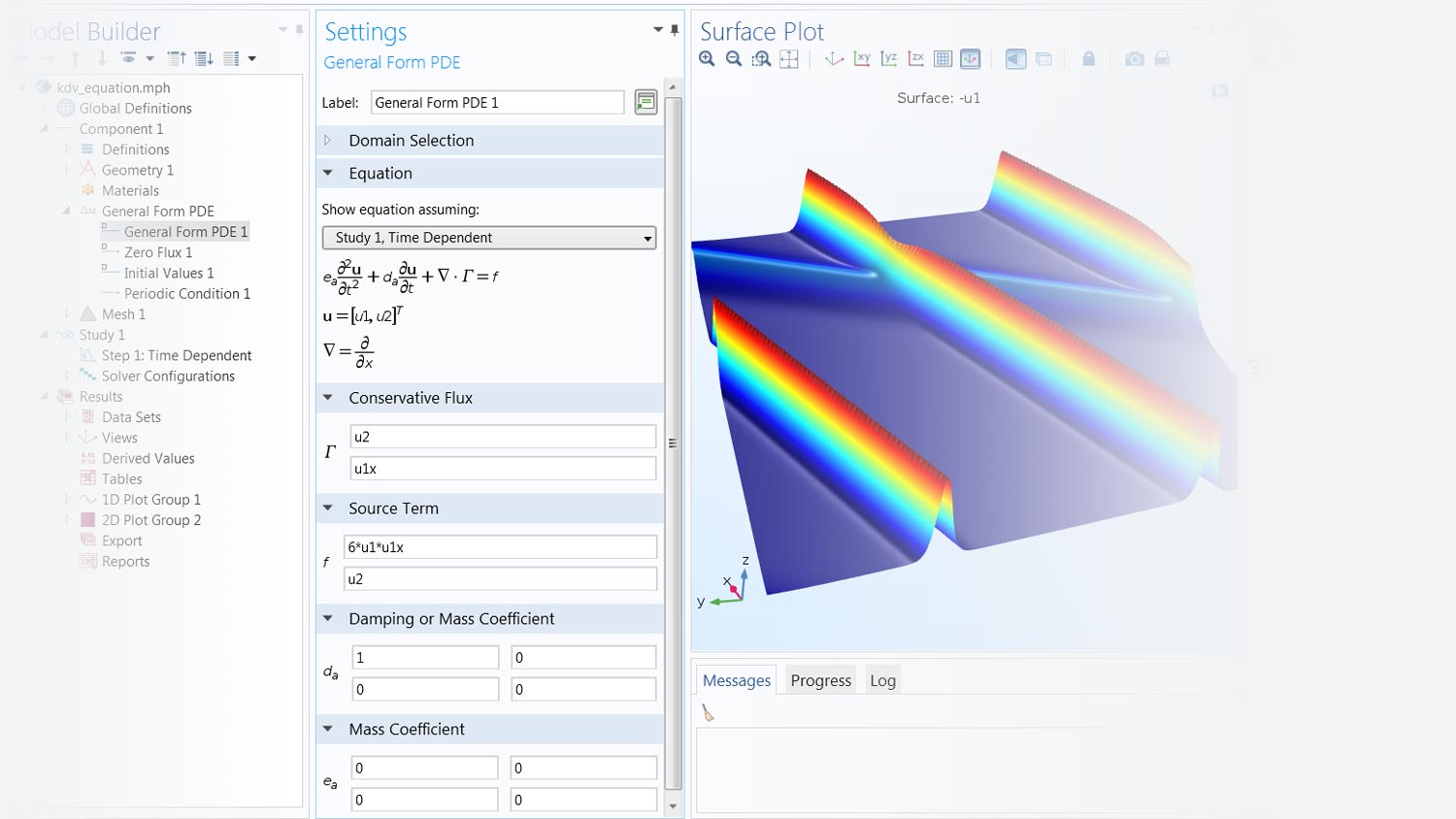
Any study step can be run with a parametric sweep, which can include one or multiple parameters in a model, from geometry parameters to settings in the physics definitions. Sweeps can also be performed using different materials and their defined properties, as well as over lists of defined functions.
Optimisation studies, using the Optimisation Module, can be performed for topology optimisation, shape optimisation, or parameter estimations based on a multiphysics model. COMSOL Multiphysics® offers both gradient-free and gradient-based methods for optimisation. For parameter estimation, least-squares formulations and general optimisation problem formulations are available. Built-in sensitivity studies are also available, where they compute the sensitivity of an objective function with respect to any parameter in the model.
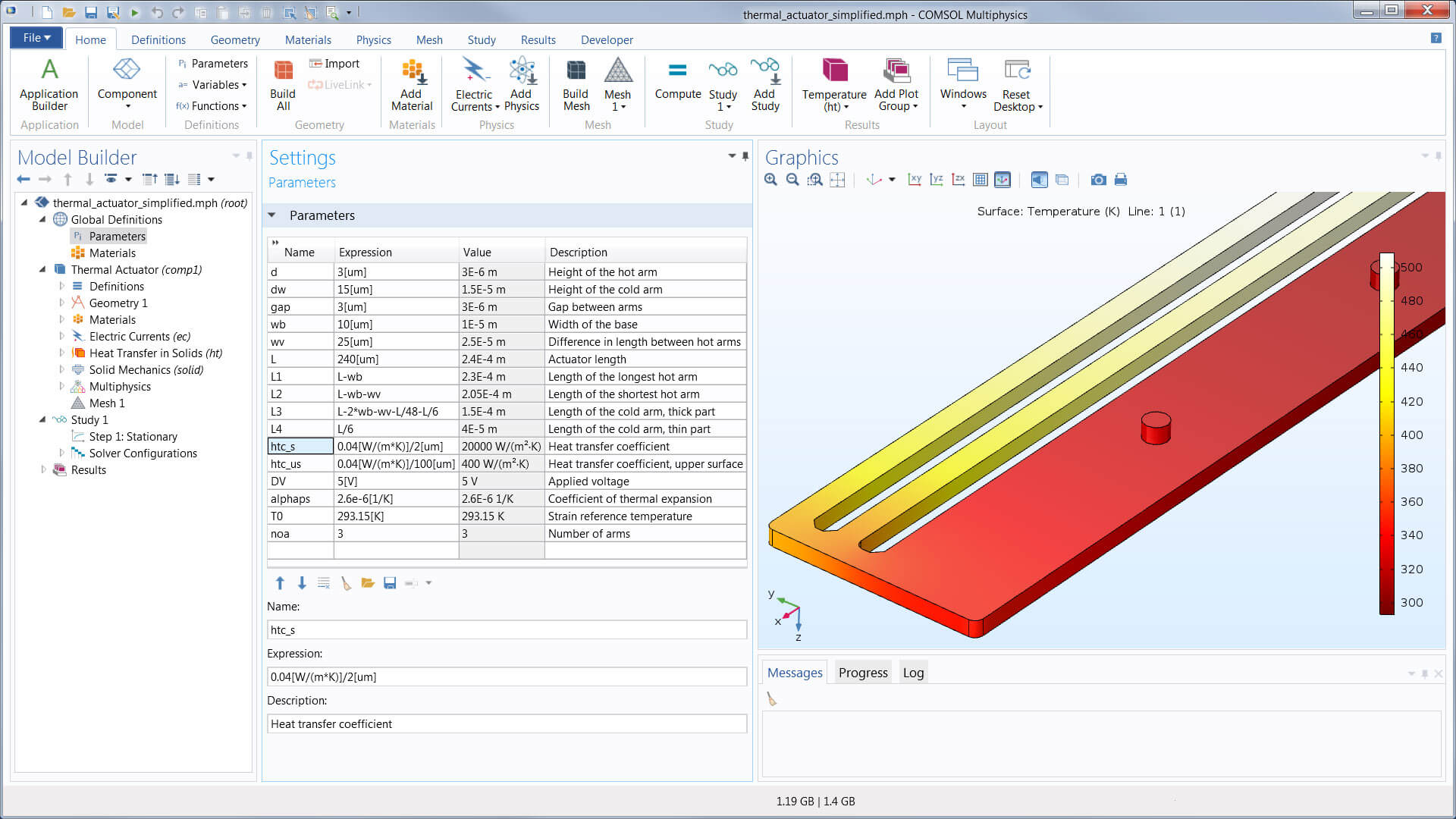
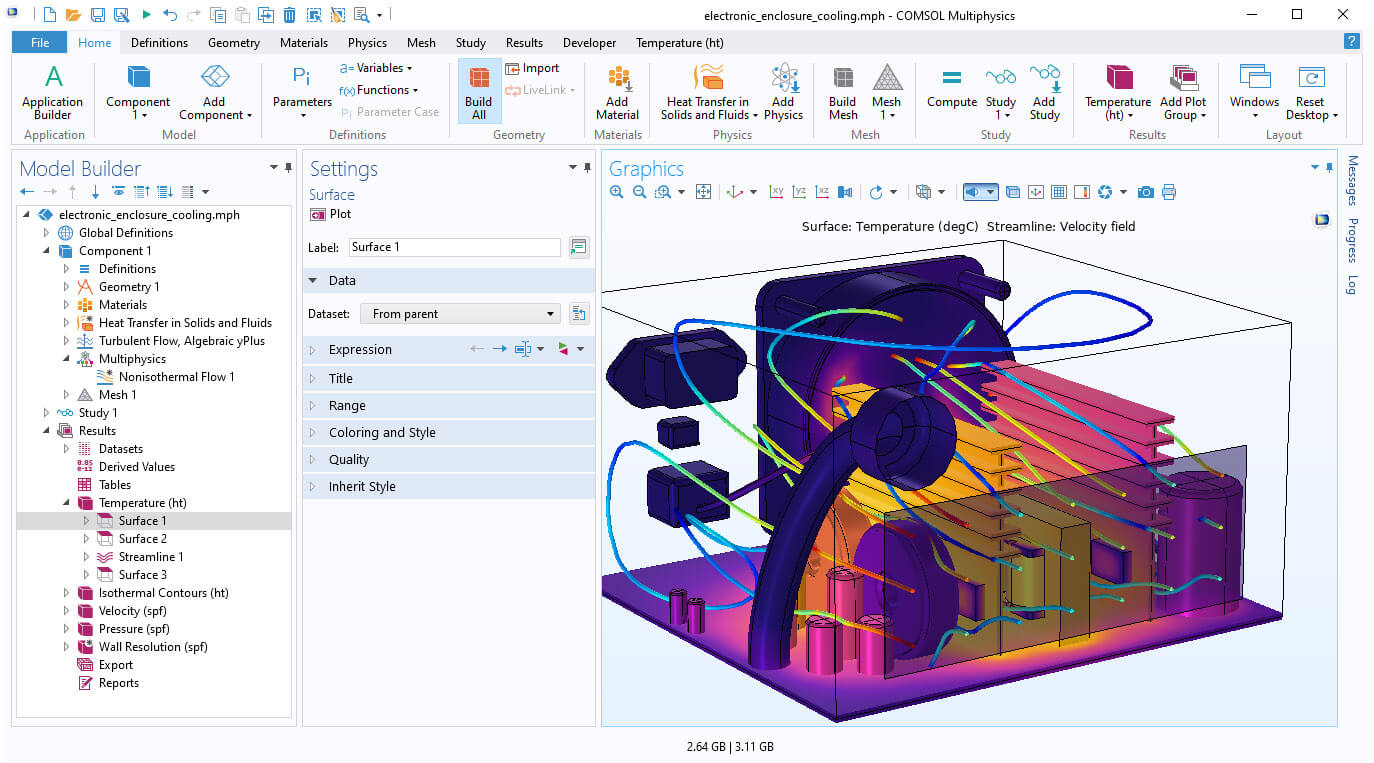
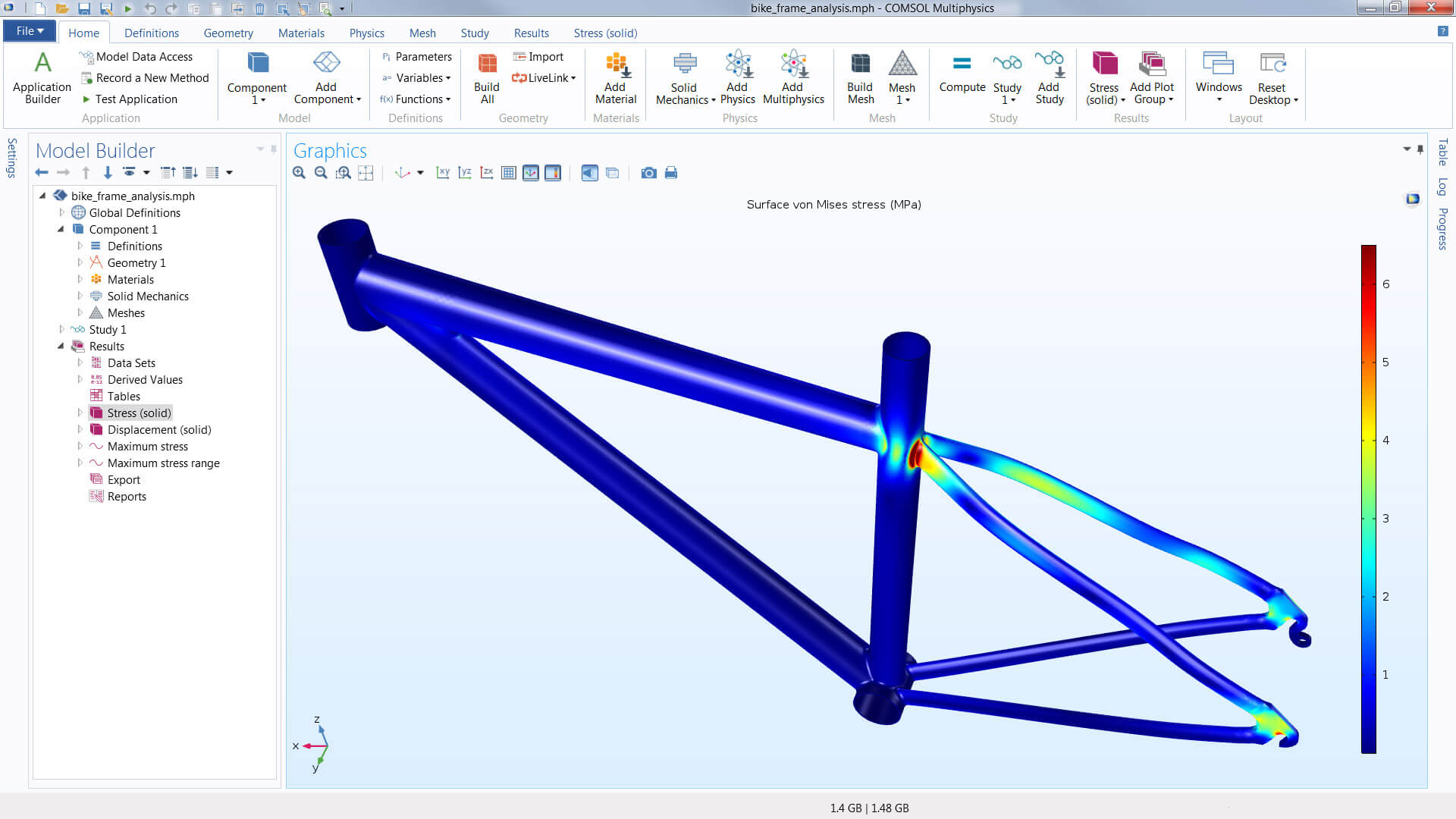
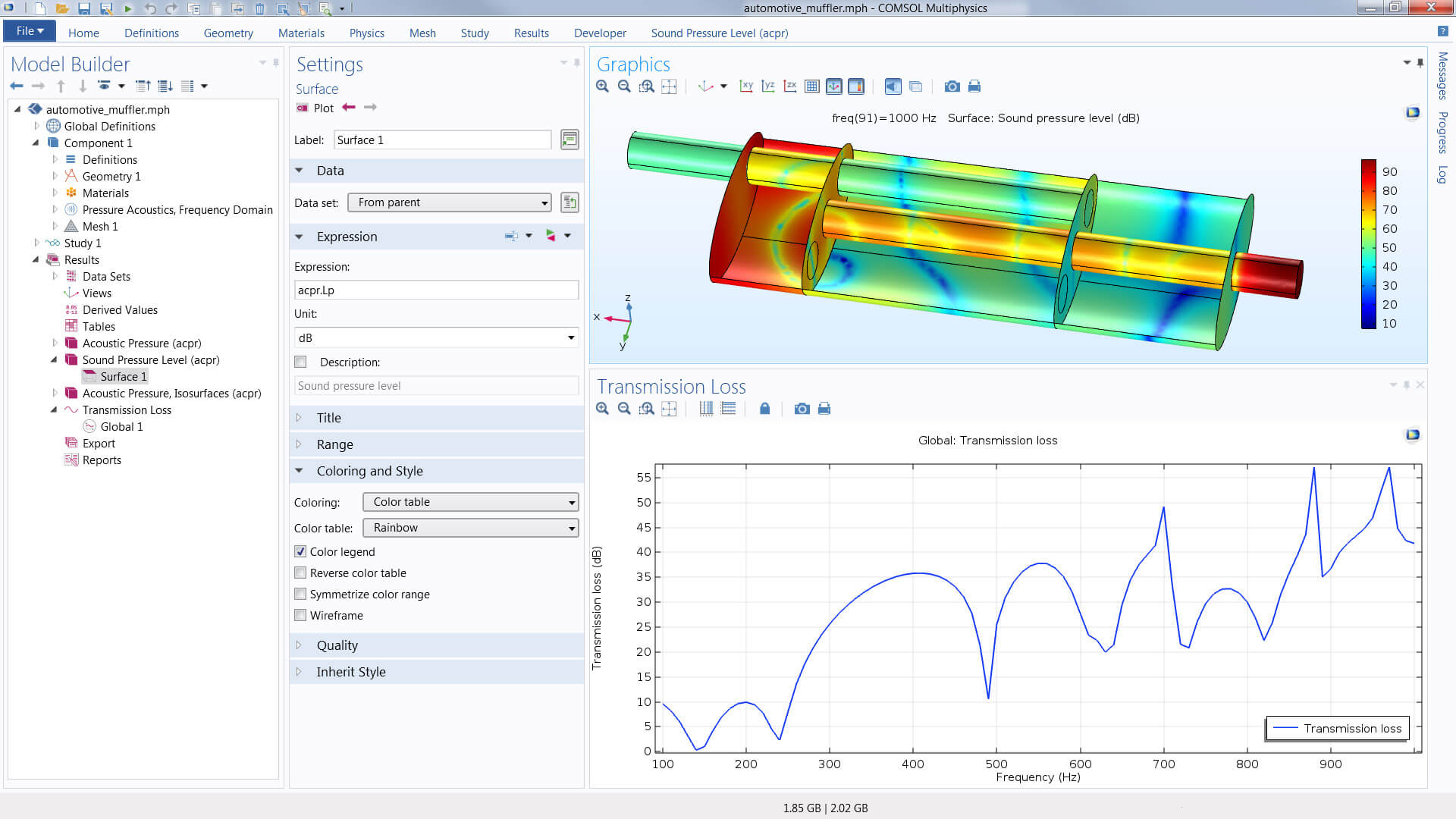
Show off your results to the world. COMSOL Multiphysics® sports powerful visualisation and postprocessing tools so that you can present your results in a meaningful and polished manner. You can use the built-in tools or expand your visualisations with derived physical quantities by entering mathematical expressions into the software. Therefore, you can visualise just about any quantity of interest related to your simulation results in COMSOL Multiphysics®.
Visualisation capabilities include surface, slice, isosurface, cut plane, arrow, and streamline plots, to name just a few plot types. A range of numerical postprocessing tools are available for evaluation of expressions, such as integrals and derivatives. You can compute the max, min, average, and integrated values of any quantity or derived quantities throughout volumes, on surfaces, along curved edges, and at points. Postprocessing tools specific to certain areas of engineering and science have also been included in many of the physics-based modules.
You can export data and process it via third-party tools. Numerical results can be exported to text files on the .txt, .dat, and .csv formats as well as to the unstructured VTK format. With LiveLink™ for Excel®, results can be exported to the Microsoft®Excel® spreadsheet software file format (.xlsx). Images can be exported to several common image formats, as well as the glTF™ file format for exporting 3D scenes. Animations can be exported in the WebM format and as animated GIF, Adobe®Flash® technology, or AVI files. Reports summarising the entire simulation project can be exported to HTML (.htm, .html) or Microsoft® Word® software format (.doc).
 Tel: +61 (03) 6224 8690Email: info@technic.com.auConnect on LinkedInGet Your Free Trial
Copyright © 2021 Technic Pty Ltd. All Rights Reserved. See our Privacy Policy. Site protected by reCAPTCHA - Privacy | Terms. Website by Gloo.